Switching email provider without losing a message
The Mailyte team · · 3 min read

A provider switch goes wrong in the same few places every time. The fix is almost always about order: what you move first, and what you leave until last.
Copy the mail before you change anything
For mailboxes, copy first and switch last. A migration tool connects to your old provider over IMAP and copies mail, folders and read state across while your old inbox keeps working. Mailyte's migration tool works from any IMAP host, reads from the old server without changing it, and can run again before you cut over, so that only what arrived in between moves.
Because nothing is deleted at the source, the fallback is simple: do not switch the MX record yet.
Bring your suppression list
Your current provider has spent months learning which addresses bounce and who has complained. Export that list and import it into the new one before your first send. Skipping it means learning all of it again, by mailing every bad address from a domain with no reputation, in one burst. The developer guide to moving from another provider covers the import.
Expect to warm up
A new sending domain starts with no reputation and ramps up over days. Do not schedule the cutover for the morning of your biggest campaign of the year. Start small and steady, and add the large sends once delivery looks healthy.
Change DNS last
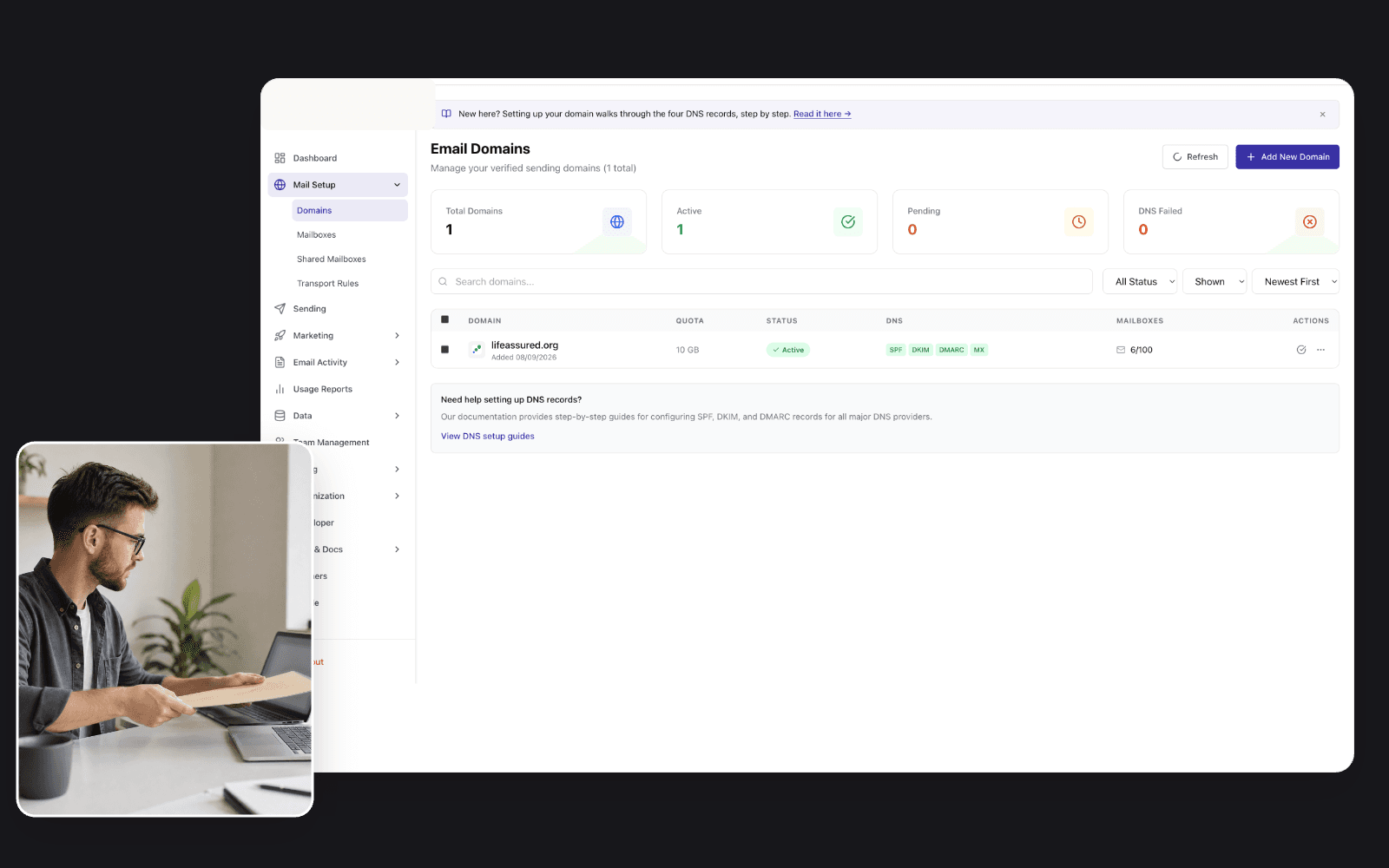
Switch your MX records only when the copy is complete. Then check that SPF, DKIM and DMARC are all in place for the new provider. Mailyte checks them against your live DNS, so you can see the result as soon as the records propagate.
Moving from a specific provider
The details differ by provider. These pages set each one beside Mailyte: Mailgun, SendGrid, Mailchimp, Postmark, MailerLite and Brevo. For the endpoint-by-endpoint map from Mailgun, SendGrid and Postmark, see the developer guide.