Inboxes your team will actually enjoy using
A clean webmail that works from any browser, plus full support for the mail app your team already uses — Apple Mail, Outlook, or any phone.
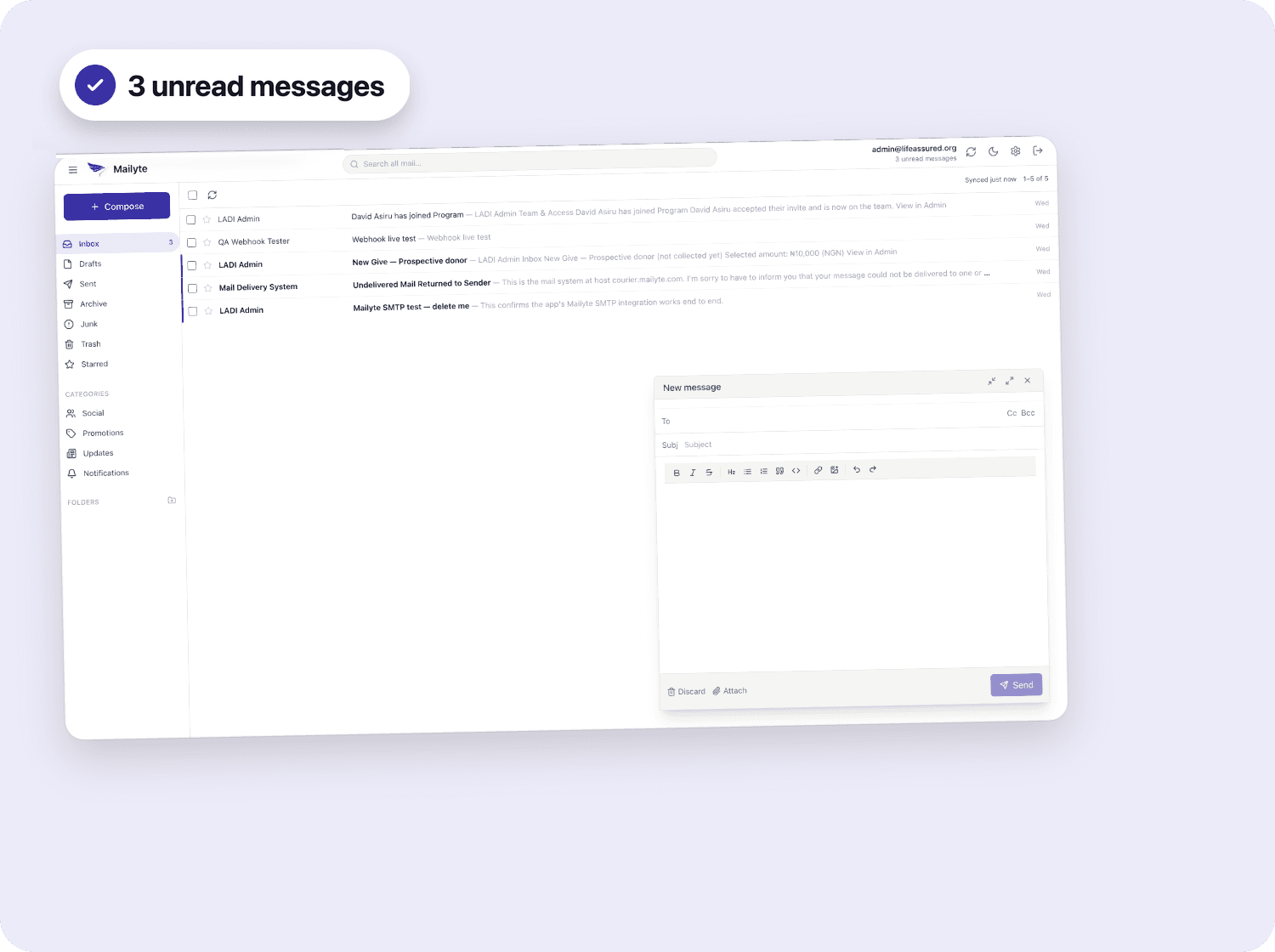
Works everywhere
IMAP and SMTP support means Apple Mail, Outlook and any phone's mail app just work.
Per-seat limits
Everyone gets their own storage and sending limits, managed from one dashboard.
Your own domain
Mail sends and arrives as you@yourcompany.com, not a shared provider domain.
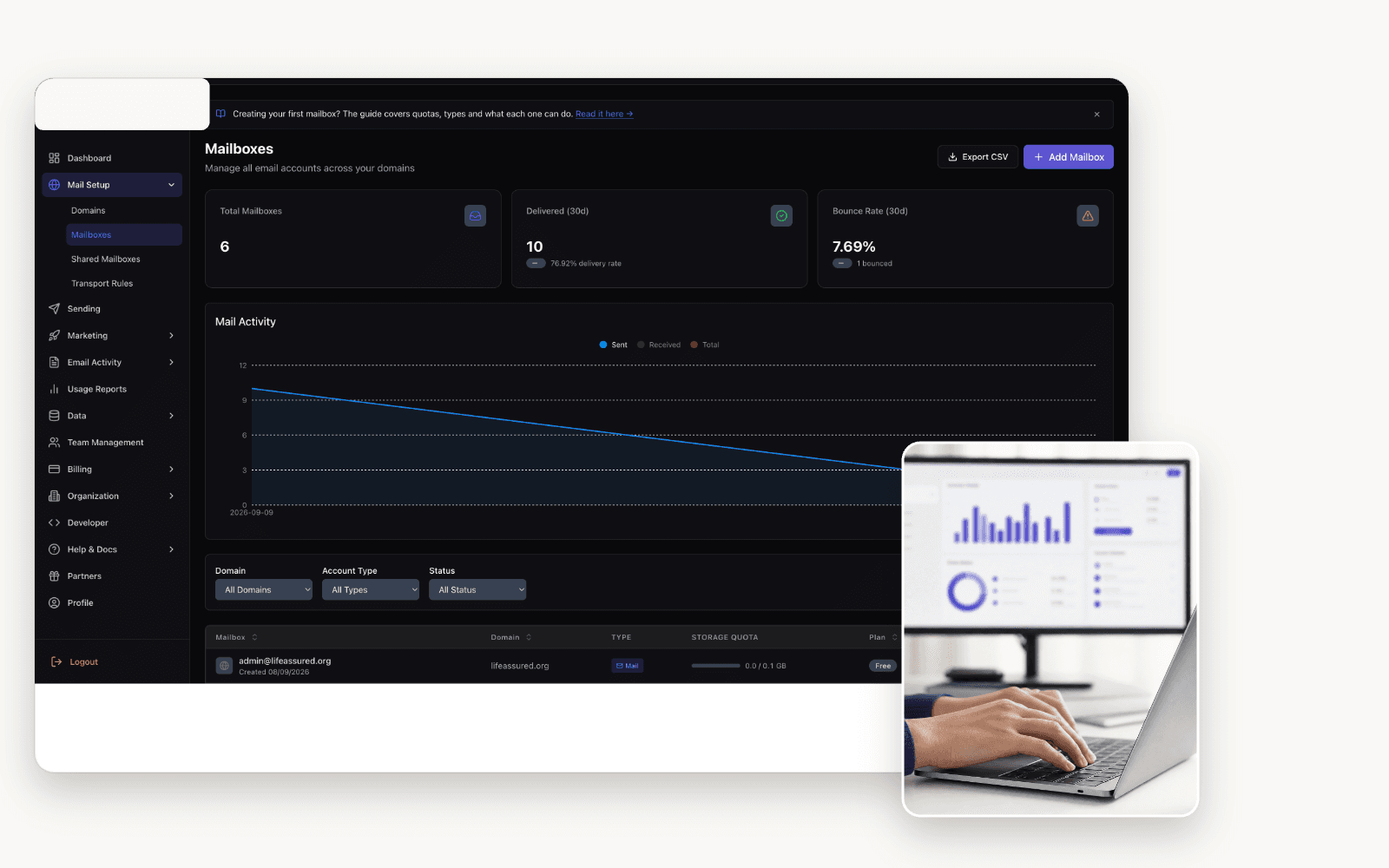
Team management
Every inbox, managed from one place
Create mailboxes for new hires in seconds, filter by active or invited, and see storage usage across the whole team without opening a spreadsheet.
- Bulk-create mailboxes for a whole department
- Offboard someone without losing their mail
- Shared mailboxes for support@ or sales@
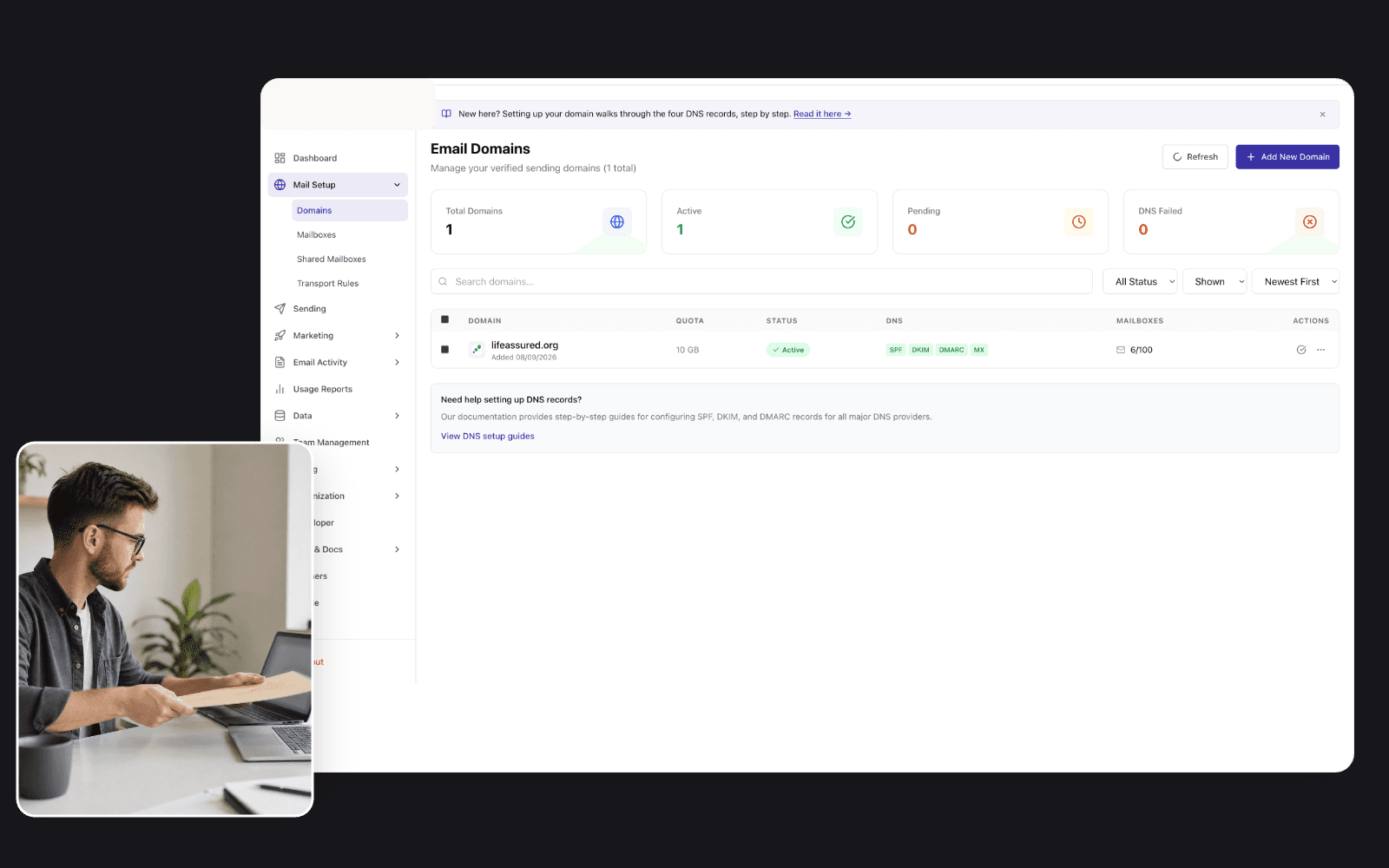
Always in sync
Verified and secure by default
Domain authentication and account security aren't a separate setup step — they run continuously in the background from the moment your first mailbox goes live.
- SPF, DKIM & DMARC verified automatically
- Two-factor authentication, org-wide
- Every admin action logged and attributed
“We were live the same afternoon we signed up. Setup was the kind of thing you forget happened.”

Frequently asked
Can my team use Outlook or Apple Mail?
Yes — full IMAP and SMTP support means any standard mail app connects normally.
What happens after 5 mailboxes?
Upgrade to a paid plan whenever you need more — nothing breaks, nothing migrates.
Can I bring my existing domain?
Yes, that's the default — you@yourcompany.com from day one, not a shared domain.
Is there a limit on storage per mailbox?
Each plan sets a default per-seat limit, adjustable per mailbox from the admin dashboard.



Give your team real inboxes today.
Free for up to 5 mailboxes. No credit card, no expiry.