How sandbox mode works in the sending API
The Mailyte team · · 5 min read
Every team that sends email from an application has, at some point, sent a test message to a real customer. Usually it's a seeded database row that turned out to hold a live address. Occasionally it's the whole list.
Sandbox mode exists to make that impossible without changing how your code behaves.
The design goal: identical behaviour, no delivery
A sandbox that behaves differently from production is worse than no sandbox, because it teaches you the wrong thing. So a sandboxed key does everything a live key does:
- The API call is authenticated and validated the same way.
- The message is rendered — templates, merge variables, the lot. Open and click tracking is left out, so what you inspect is exactly what your code produced.
- It gets a message ID, and it lands in a Sandbox inbox where you can read the HTML, the headers and the raw source.
- Send to
suppressed@sim.mailyte.comand it is refused the way a suppressed address would be, so you can test that path too.
The only difference is the last hop. Nothing is handed to the mail server for delivery, so nothing leaves our infrastructure.
Per key, not per environment variable
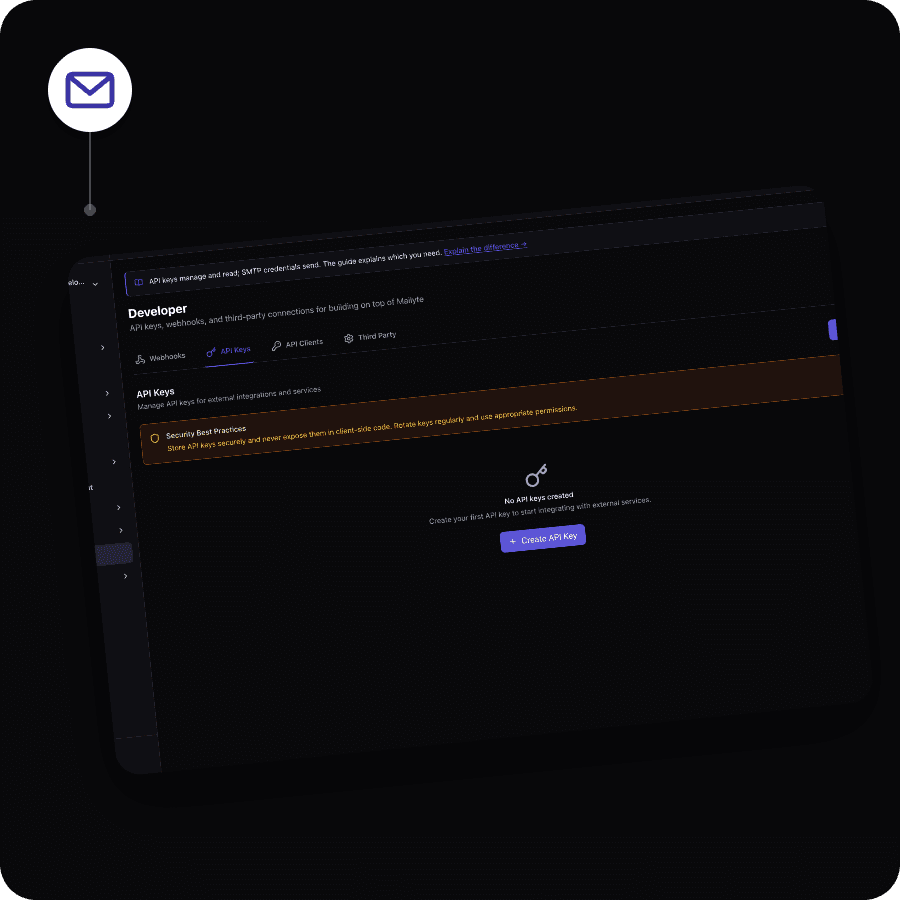
Sandbox is a property of the API key, not a flag in your request body or a environment variable on your side. That matters:
- A key that was minted for staging cannot accidentally send real mail, whatever your code does with it.
- Nobody can flip a request into production by editing a payload.
- Rotating a compromised staging key can't affect production sending.
Create separate keys for development, staging and production. Create the first two in Test mode and forget about it.
What to actually test with it
The valuable tests aren't "does the API return 200". They're the ones that catch what breaks in production:
- Rendering with real data. Merge variables against a real contact record, not a fixture — that's where a missing field surfaces as a literal
{{ first_name }}in a subject line. - Suppression handling. Add an address to the suppression list and confirm your code handles the refusal rather than treating it as a hard failure.
- Webhook handling. Add a sandbox webhook pointing at your staging endpoint and confirm your handler is idempotent, because delivery events retry. Sandbox webhooks are separate from live ones and every call is marked
environment: sandbox.
When you're ready
Swap the key. Nothing else in your integration changes — that's the point.